
3D Design and Visualization Software
3D Design and Visualization software recommended for builders, remodelers, lumber yards, and estimators.
$2,495.00
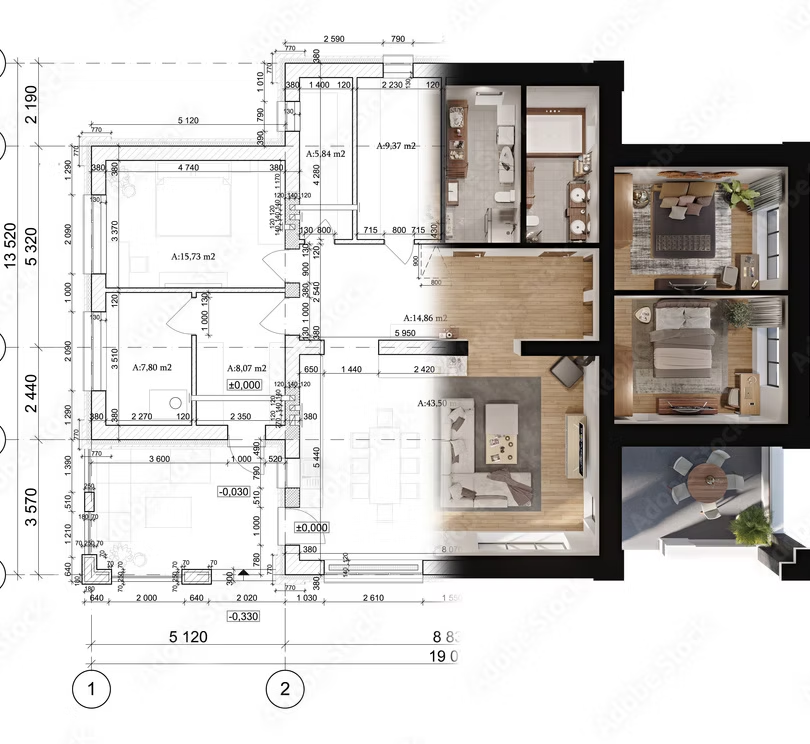
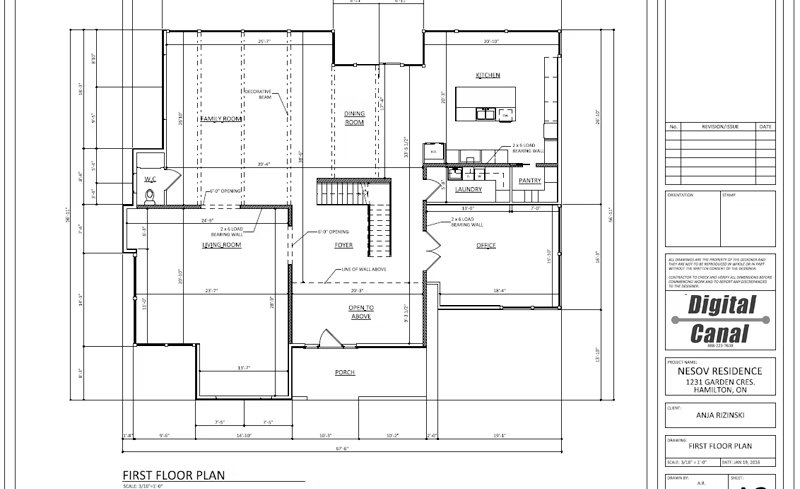
Automatic construction documents
Floor plans, elevations, framing, electrical, sections, site plans, landscaping, terrain, decks and fences
HGTV quality photorealistic renderings
Virtual reality walk-throughs (app integration)
Design Wizards
Kitchen, bath, house, deck, floor and foundation
Automatic roofs with two-click editing
Kitchen and bath design
Mechanical, electrical, and plumbing tools
Automatic interior and exterior dimensioning
Robust catalog of design elements and symbols with editing capabilities
Supports .DWG, .DXF, and Sketchup files
Accurate and customizable material takeoffs
Automatic .PDF import for plan tracing
Material cut lists
Product integration
Builder Trend, 20-20 Design, SketchFab, and more
Advanced framing
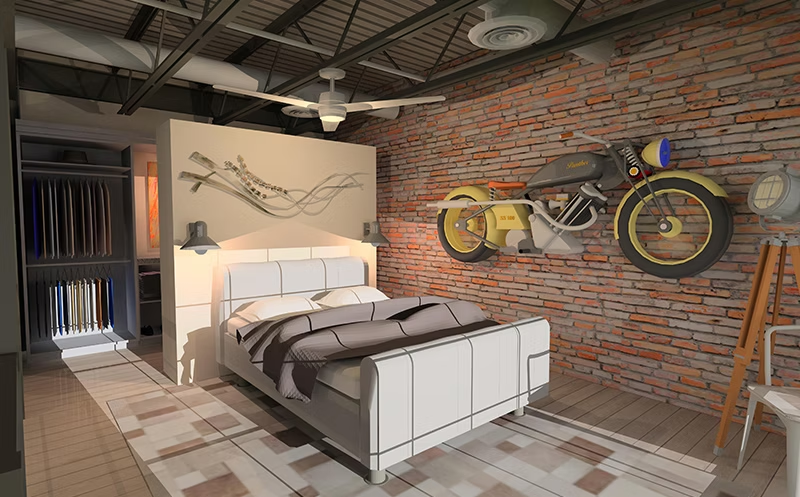
Design Expert is easy to use and learn. Its stunning visualization capabilities and hassle-free experience make it a great addition to your toolkit.
Design Expert simultaneously tracks your material takeoffs as you design making this very simple for you but also keeping it very accurate.

Add custom objects and materials into your models with downloadable content. It also integrates with Builder Trend, 20-20 Design, SketchFab, and more.
In order to run the program, your system should meet the following requirements:
Windows 11 / 10 / 8
2.0 GHz or faster processor
8 GB RAM (4 GB minimum)
30 GB available hard disk space minimum
2 GB dedicated video card (1 GB minimum)
These system requirements are suggestions only.
3D design software is graphically intensive; therefore, the better the equipment you use, the better the software will perform.
Digital Canal provides access to free learning videos in the "Learning Videos" section under the Support tab.
Downloadable content can be found here: digitalcanal.com/dlc-library.