

Recommended for: Panelizers and Framers (Walls, Floors, and Roofs)
The ideal software solution for anyone wanting framing or panelization, whether it is on-site or in a production shop. SolidBuilder Framing Pro not only optimizes your material usage but also provides a cut list and production drawings.
WHAT IS SOLIDBUILDER FRAMING PRO?
Framing Pro Basic
- 2D & 3D modeling
- Construction Document Creation
- Floor Plans, Elevations, Framing, Electrical, Sections, and Site Plans
- Database of Symbols
- Import .DWG, .DXF, and .PDF for Plan Tracing
- 3D Visualizations
Framing Pro Advanced (Features for Panelizers)
- Panel/Production Drawings for Walls, Floors, Roofs, and Ceilings
- Framing Material Cut Lists
- Sheathing Cut Lists
- Material Takeoffs
- Material Optimization
- Equipment Integrations
- Spida, EasyFrame, AutoMark, Omni Mini-Miser, Hornet, mango, Mitek, Hundregger, Razor Gage, Virtek, ASI, ESTIFRAME and more…
- Framing Editor
- Wall Panel Layout
- Floor Panel Layout
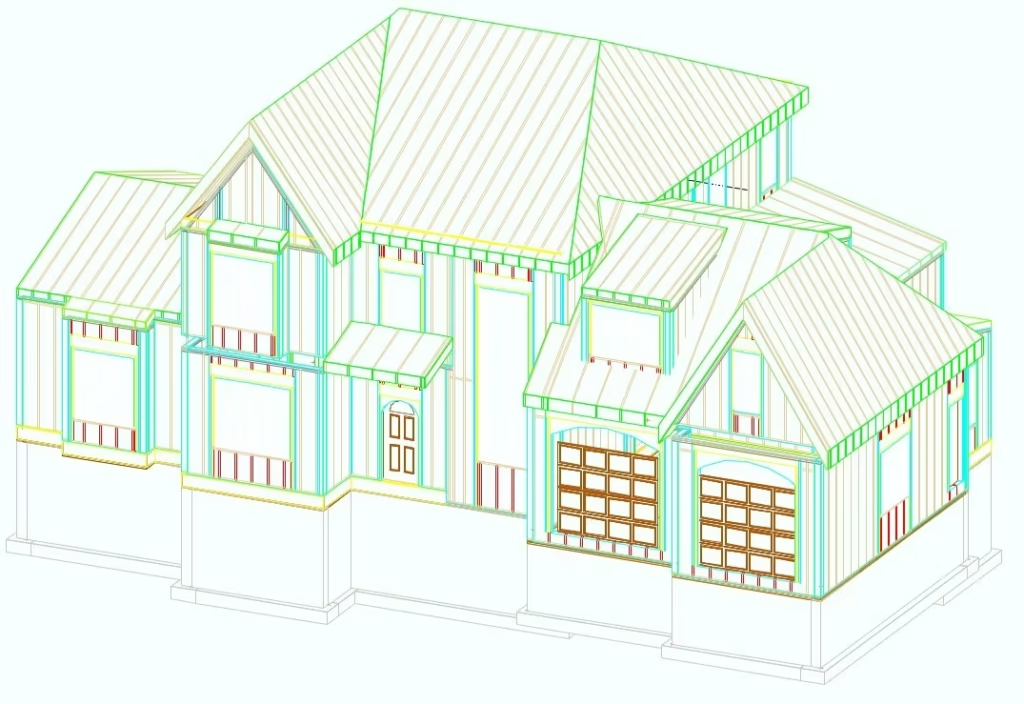
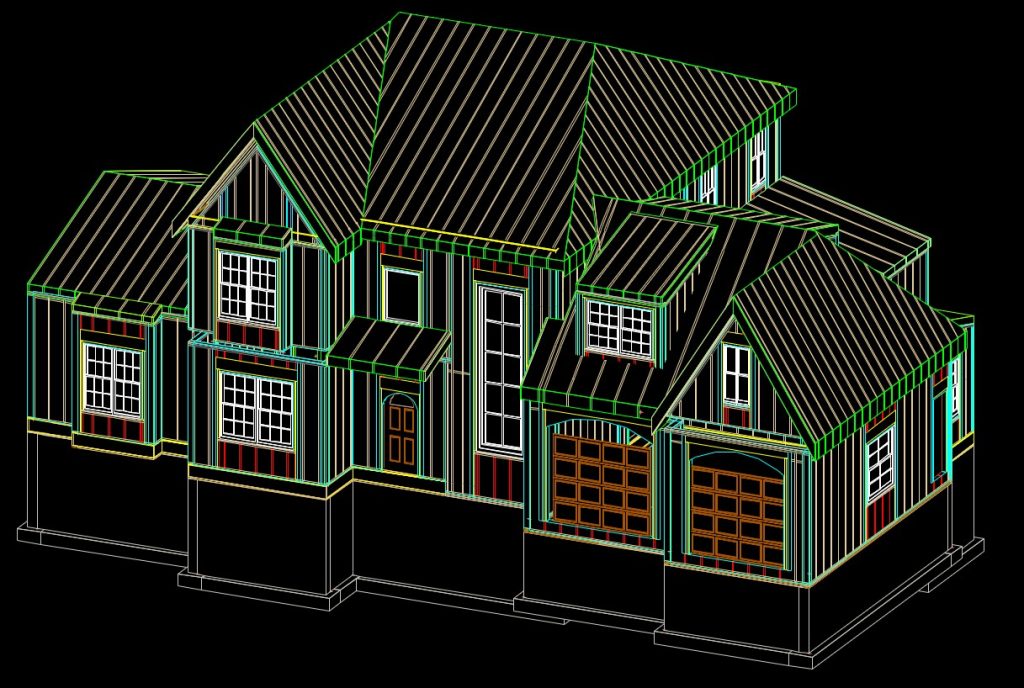
FEATURES
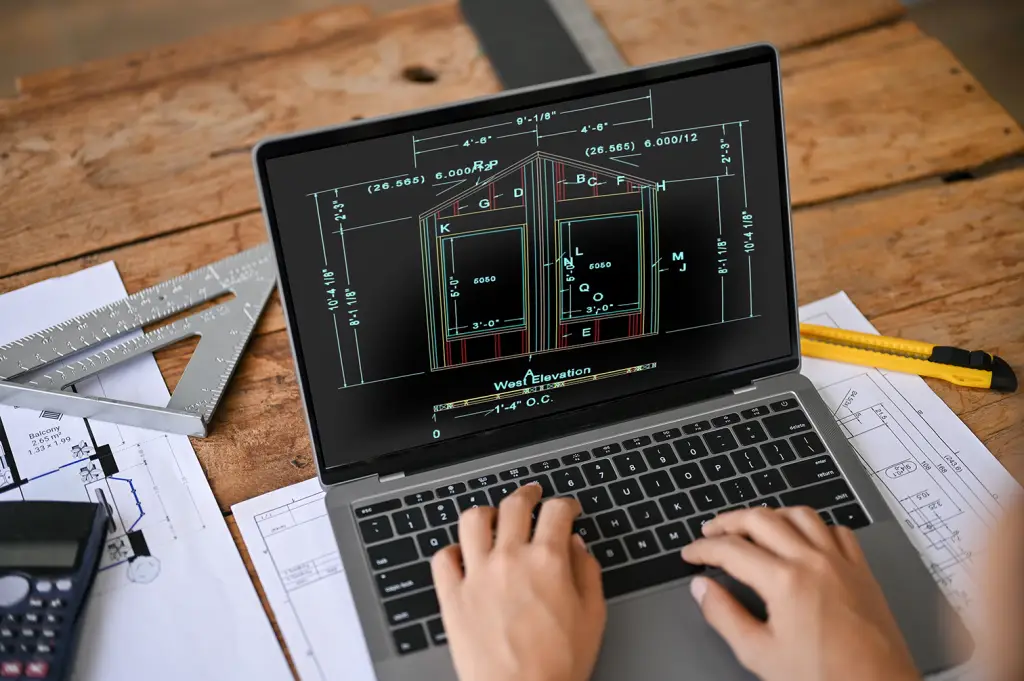
The Best Panelization Tool and ROI on the Market
SolidBuilder Framing Pro helps builders boost their bottom line by reducing errors and maximizing ROI.
No-Commitment Live Demonstrations
At Digital Canal, we are proud of the software we provide to our clients. Our dedicated team of Product Specialists invites you to join us for a live demo of SolidBuilder Framing Pro, free of any charge or commitment.
Call 1-800-449-5033
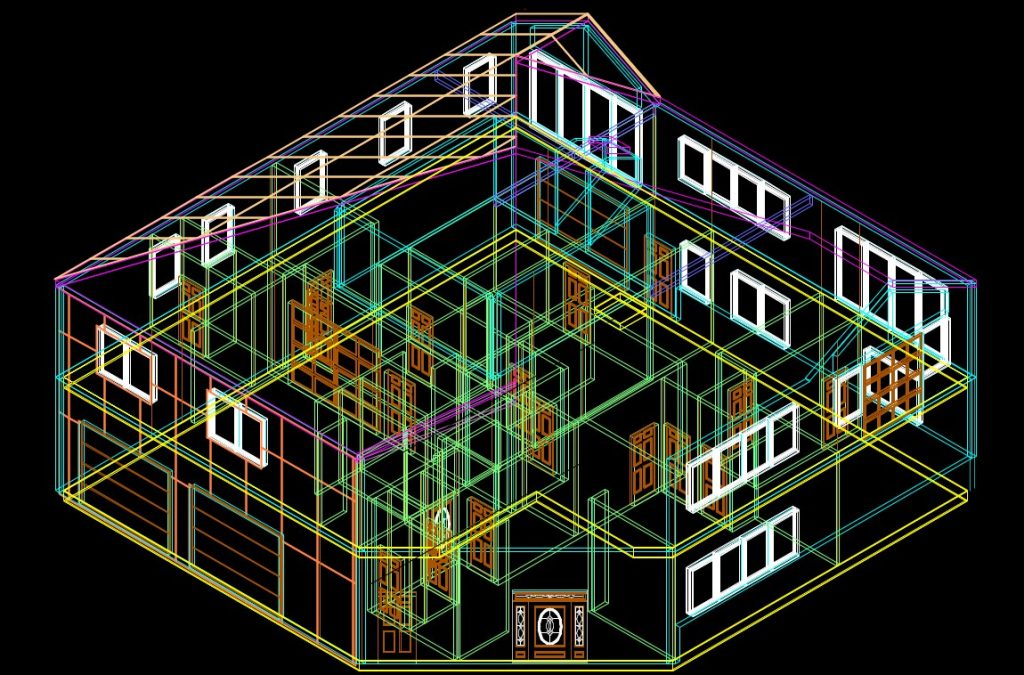
A New Way to Maximize Profits
Communicate your framing plans to both clients and crews with SolidBuilder’s advanced 3D framing and modeling features.
STACKING FEATURES FOR PANELIZERS (Additional Fee Applies)
- Wall Panel Optimization
- Automatic Weight Calculation
- Stack Document with Optional Production and Working Drawings
- Ability to Add or Remove Wall Panels
- Ability to Add Wall Layout with Automatic Labels
- Automatic Weight Update
- Automatic Panel Justification
- User-Definable Values for Width, Height, and Depth of Stacks
- Move and Organize Wall Panels in the order you want
- Auto Sheathing Thickness Adjustment
- Auto Panel Update
- Oversized Panel Rotation
- Save all Stack Documents to a single PDF
WHY PANELIZE
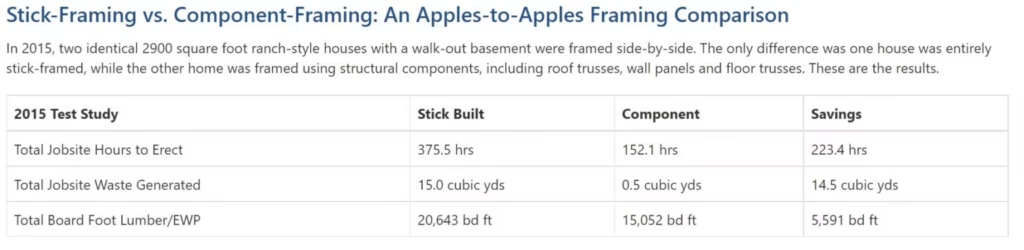
Panelizing saves time on the jobsite and puts money in your pockets. Don’t believe it? Watch this side-by-side time lapse of a residential home built with panels versus a traditional crew on the same job. The winner is clear – that panelized building components can save you and your crew time and money.
FREQUENTLY ASKED QUESTIONS
You will receive an email from our support team after purchasing SolidBuilder and that will contain your unlock codes and a video to assist you.
In order to run the program, your system should meet the following requirements:
- Windows 11 / 10 / 8
- 2.0 GHz or faster processor
- 8 GB RAM (4 GB minimum)
- 30 GB available hard disk space minimum
- 2 GB dedicated video card (1 GB minimum)
These system requirements above are suggestions. The nature of 3D design software is graphically intense, therefore the better equipment you decide to use, the better the software will run.
Our product specialists are always happy to help and can be reached by email and phone number.
Phone: 1-800-449-5033
Email: info@digitalcanal.com